PURE / CIRCUIT body
Morph continuously from a clean, phase-stable sine foundation to a richer circuit-shaped oscillator with additional harmonic identity.
24REC DEVICE 04 / v0.3.8
Kick Synthesizer
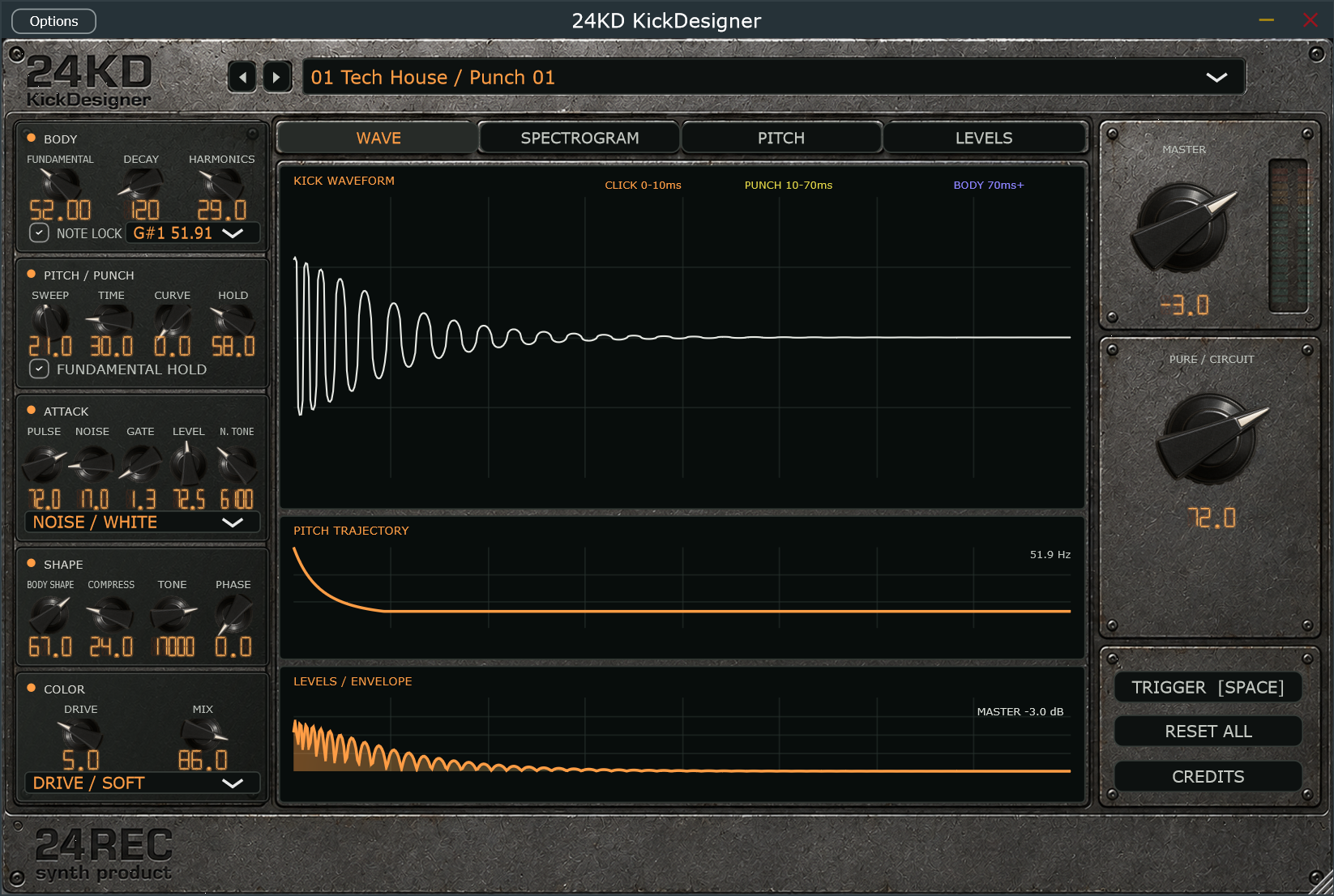
24KD KickDesigner creates electronic kick drums from synthesis rather than fixed samples. A deterministic phase-reset body, independent pitch and amplitude contours, pulse and noise attack paths, harmonic shaping, compression, and analogue-style drive make it possible to build the complete kick as one coherent instrument.
Morph continuously from a clean, phase-stable sine foundation to a richer circuit-shaped oscillator with additional harmonic identity.
Set the root, sweep interval, time, curve, and exact fundamental landing point while Note Lock keeps the low end aligned to the track.
Blend softened pulse and filtered noise, then shape transient length, level, tone, and White, Metal, or Tone noise character.
Harmonics, body contour, compression, filtering, phase variation, and four drive types control weight, density, and mix presence.
Waveform, spectrogram, pitch, and level views are synthesized from the current settings and update as the kick changes.
Fifty factory starting points cover Tech House, House, Techno, Psytrance, Trance, DnB, Electro, 808/Trap, and utility roles.
From input to intent
Windows x64 / VST3
01 Download and extract the ZIP archive.
02 Copy the complete .vst3 folder to C:\Program Files\Common Files\VST3\.
03 Restart your DAW and rescan VST3 plugins if needed.
04 The included standalone application can run without DAW installation.