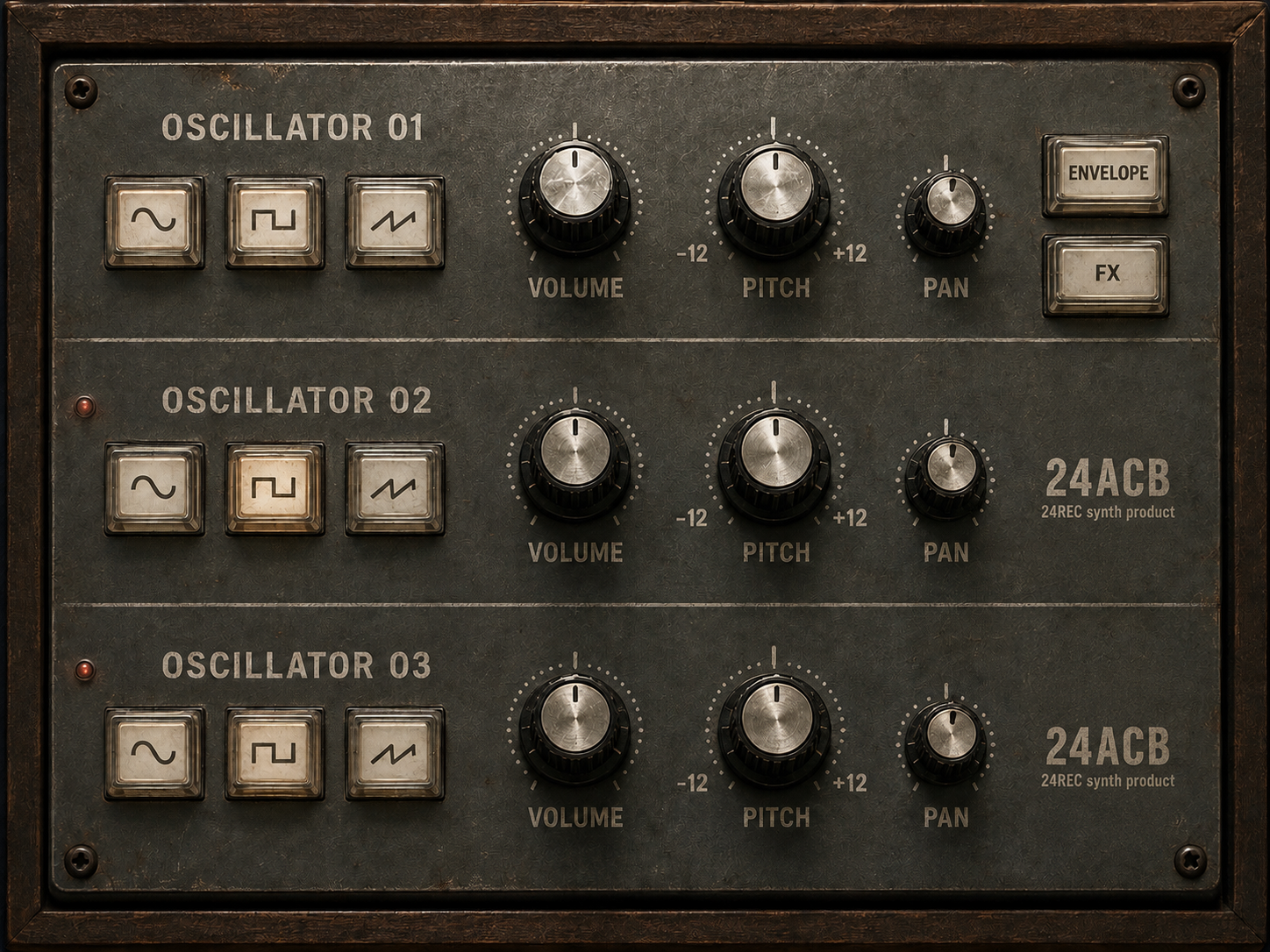
Three oscillator layers
Build weight and movement by combining three independently controlled sound layers.
24REC DEVICE 02 / v1.27
Instrument / Synth
24ACB brings three oscillator layers into a tactile, hardware-inspired interface. Each layer stays visually consistent, making it easy to build a sound from complementary waveforms and shape the balance without losing the big picture.
Build weight and movement by combining three independently controlled sound layers.
Dedicated front-panel selectors keep the core tonal choice visible instead of hiding it in menus.
Each oscillator has its own Volume control for fast layering and gain staging.
Per-layer pitch spans the clearly marked -12 to +12 range for intervals, octaves, and detuned stacks.
Individual Pan controls let each layer occupy its own position in the stereo field.
Dedicated Envelope and FX controls open the next stage of shaping without crowding the oscillator panel.
From input to intent
Windows x64 / VST3
01 Download and extract the ZIP archive.
02 Copy the complete .vst3 folder to C:\Program Files\Common Files\VST3\.
03 Restart your DAW and rescan VST3 plugins if needed.